How to Set Up Content Creation Room in Shared Office
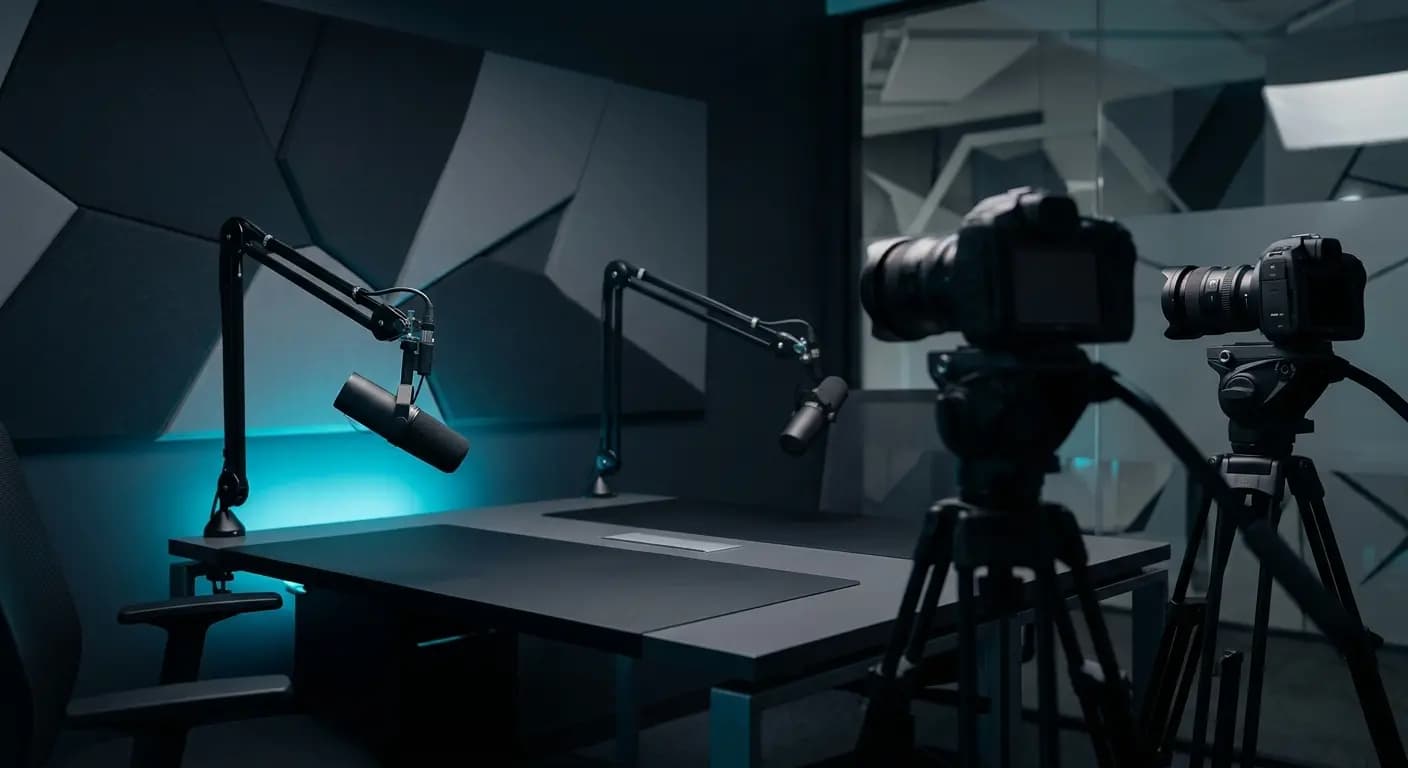
Producing high-impact media in a communal workspace comes with a distinct set of operational challenges, from ambient noise to limited square footage. Mastering how to set up content creation room in shared office environments allows your team to maintain broadcast-grade standards without disrupting neighbouring desks. With the right approach to acoustic panelling, modular lighting, and versatile hardware, you can build a self-contained production hub that scales alongside your brand's ambitions. Here is your definitive blueprint for transforming a shared corporate footprint into a dedicated, professional-grade studio.
To set up a content creation room in a shared office, convert an isolated 8x8 or 10x10 foot private booth using dense acoustic wall panels, fixed wall-mounted three-point LED lighting, dual dynamic cardioid microphones, and hardwired high-speed ethernet. Isolating structural audio bleed and eliminating daily equipment calibration turns an ordinary shared workspace into a broadcast-quality production hub.
Producing professional founder videos or podcasts inside a bustling coworking hub presents immediate friction. Ambient chatter, keyboard clicks, and HVAC hum ruin takes. Amateur setup equals amateur perception. When your business relies on authority, muffled sound and flat office fluorescents hurt audience trust immediately. Many founders assume high production requires renting private commercial real estate, but learning how to set up content creation room in shared office environments solves this without massive overhead.
As forward-thinking hubs develop premium coworking spaces for startups jaipur, dedicating real estate to creative infrastructure is becoming the gold standard. A purpose-built media room lets teams record client-facing updates, founder interviews, and high-retention video content on demand while coworkers work undisturbed next door.
Essential Steps to Build a Shared Office Production Room
Building a reliable recording suite inside a shared corporate layout demands an exact, step-by-step workflow. Here is how to configure a repeatable, broadcast-ready room:
- Install Targeted Acoustic Treatment: Mount high-density rockwool acoustic panels across parallel walls and place bass traps in corners. Fit heavy perimeter seals beneath doors to block high-traffic corridor chatter and stop your vocal audio from bleeding back into the open desks.
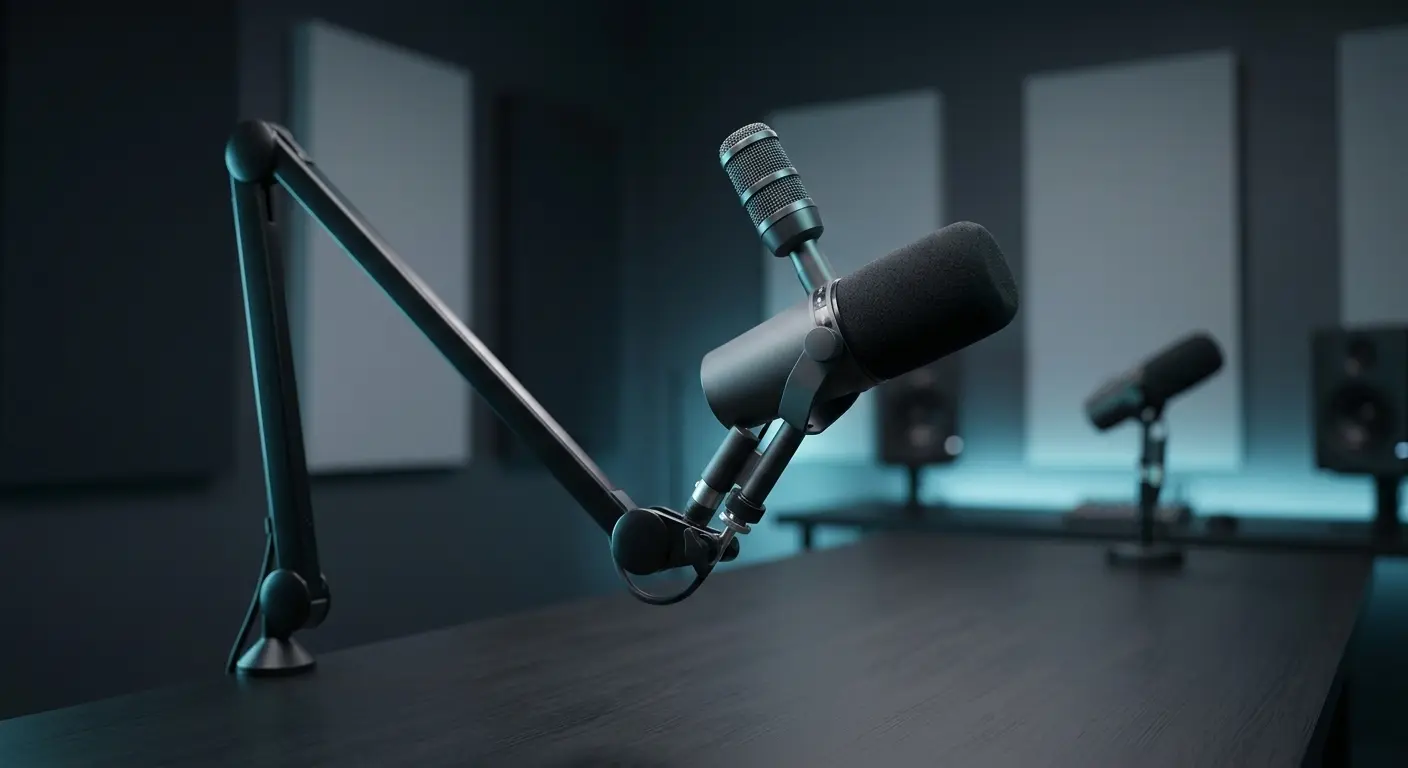
- Select Dynamic Directional Microphones: Skip sensitive condenser microphones that register air conditioning rumble and distant phone calls. Choose broadcast dynamic cardioid mics like the Shure SM7B, pairing them with heavy-duty desk boom arms to capture rich, isolated dialogue.
- Mount Fixed Multi-Angle Lighting: Clear tight floor space by attaching your key, fill, and hair lights directly to wall mounts or ceiling track grids. Use daylight-balanced, diffused softboxes to remove harsh overhead office lighting glare.
- Position Eye-Level Multi-Camera 4K Rigs: Lock your primary and secondary 4K cameras onto wall brackets or sturdy desk clamps at subject eye level. Permanent camera marks ensure consistent framing for every interview without wasting thirty minutes resetting tripods.
- Run Dedicated Power and Ethernet: Plug your hardware into an isolated circuit with surge suppression to avoid blown fuses during intensive sessions. Connect your switcher directly to gigabit LAN according to IEEE networking standards, guaranteeing zero-latency live streams and rapid 4K cloud backups.
If your facility already features dedicated production amenities, you can tap into a turnkey coworking space with podcast studio jaipur to skip the hardware buildout entirely.
DIY Content Corner vs. Purpose-Built Studio Room in Shared Offices
Choosing between an ad-hoc desk corner and an isolated media room impacts both production speed and brand credibility. Here is how the two configurations compare inside a shared workspace:
| Setup Parameter | DIY Corner in Shared Office | Purpose-Built Content Room |
|---|---|---|
| Noise Isolation | Thin cubicle partitions; catches background chatter and typing | Decoupled rockwool acoustic panels and heavy perimeter door seals |
| Lighting Consistency | Mixed overhead office fluorescents with harsh facial shadows | Controlled three-point color-calibrated LED fixtures on fixed mounts |
| Gear Reliability | Mobile tripods and loose cables requiring daily assembly | Permanently dialed in 4K cameras and boom-mounted dynamic mics |
| Setup Friction | 30 to 45 minutes of calibration and level testing per take | Instant plug-and-record capability with zero calibration friction |
| Client Perception | Appears improvised, noisy, and distracting to visitors | Broadcast-grade, professional environment that builds founder authority |
A makeshift filming desk introduces continuous operational friction, often causing founders to put off recording entirely. A purpose-built room protects your team's schedule and preserves a sharp, professional market image.
Dialing in Your Shared Office Content Strategy
Having dedicated creator infrastructure on-site in your shared workspace changes how consistently your brand communicates. It completely removes recording friction. When your cameras, dynamic audio gear, and lighting remain permanently dialed in, batching multi-camera founder interviews or weekly company updates becomes an effortless routine. You stop postponing video production because the technical setup is already handled.
Soundproofing and balanced, fixed lighting are the non-negotiable fundamentals when planning how to set up content creation room in shared office spaces. Getting those two elements right safeguards your content against distracting office noise and unflattering visuals. For bootstrap teams, a sound-treated booth provides a solid platform for daily operational content.
However, when your brand demands broadcast-quality multi-camera 4K visual fidelity, building out a private room inside a leased workspace can drain precious capital. Ambitious teams in the Pink City looking for comprehensive production capabilities can access ascendant.living. We deliver purpose-built sets, cinematic multi-angle cameras, and on-site technical support right in Jaipur, letting you focus entirely on your conversation while we handle the production.
Podcast studio · Pratap Nagar, Jaipur
Book the studio for your next episode
Multi-cam setup, pro mics and acoustic treatment. Walk in, hit record, walk out with your episode.
- From ₹1,200/hour
- 2-hour minimum
- Editing & reels add-ons