Fix Workspace Call Noise: Shared Office Guide
Nothing disrupts a high-stakes client presentation faster than the clatter of a shared kitchen or an impromptu brainstorm next to your desk. While collaborative environments drive business forward, fixing background noise during remote calls in shared workspaces remains a daily challenge for ambitious professionals. Reclaiming your audio clarity does not require booking a private boardroom for every quick sync, either. Here is your definitive guide to practical software adjustments, physical shielding tactics, and workspace etiquette designed to keep your focus sharp and your voice crystal clear.
Fixing background noise during remote calls in shared workspaces requires a systematic combination of directional microphone hardware, local artificial intelligence speech isolation, and strategic desk positioning. By narrowing microphone polar patterns to reject ambient off-axis sound and reducing software input sensitivity, remote workers can eliminate keyboard clicks, coffee bar chatter, and open-plan echoes from client-facing conversations.
Shared office floors create energy and cross-team collaboration. However, they also create an acoustic minefield. When pitching high-ticket clients or negotiating with institutional investors, background distractions instantly hurt authority. Amateur setup equals amateur perception. If your client hears espresso grinders, nearby sales calls, or footsteps bouncing off industrial concrete, their focus shifts away from your deck and onto your environment.
Most remote workers rely entirely on default laptop hardware. That is where call quality collapses. Built-in microphones use wide condenser capsules that treat every sound in a ten-metre radius as equal. To protect your credibility across Jaipur workspaces, you need intentional signal chains that isolate your voice while suppressing background chatter.
5 Fast Fixes to Cut Workspace Noise on Live Calls
Tackling acoustic interference does not require rebuilding your office. You can resolve the vast majority of disruptive ambient audio right from your hot desk by following five structured steps:
- Activate Deep AI Noise Suppression: Standard web conferencing filters often let sudden, sharp noises pass through. Deploy dedicated, on-device neural noise reduction like Krisp or set your meeting platform suppression level to 'High'. These algorithms isolate speech harmonics and discard non-vocal audio signals before your microphone feed transmits across the network.
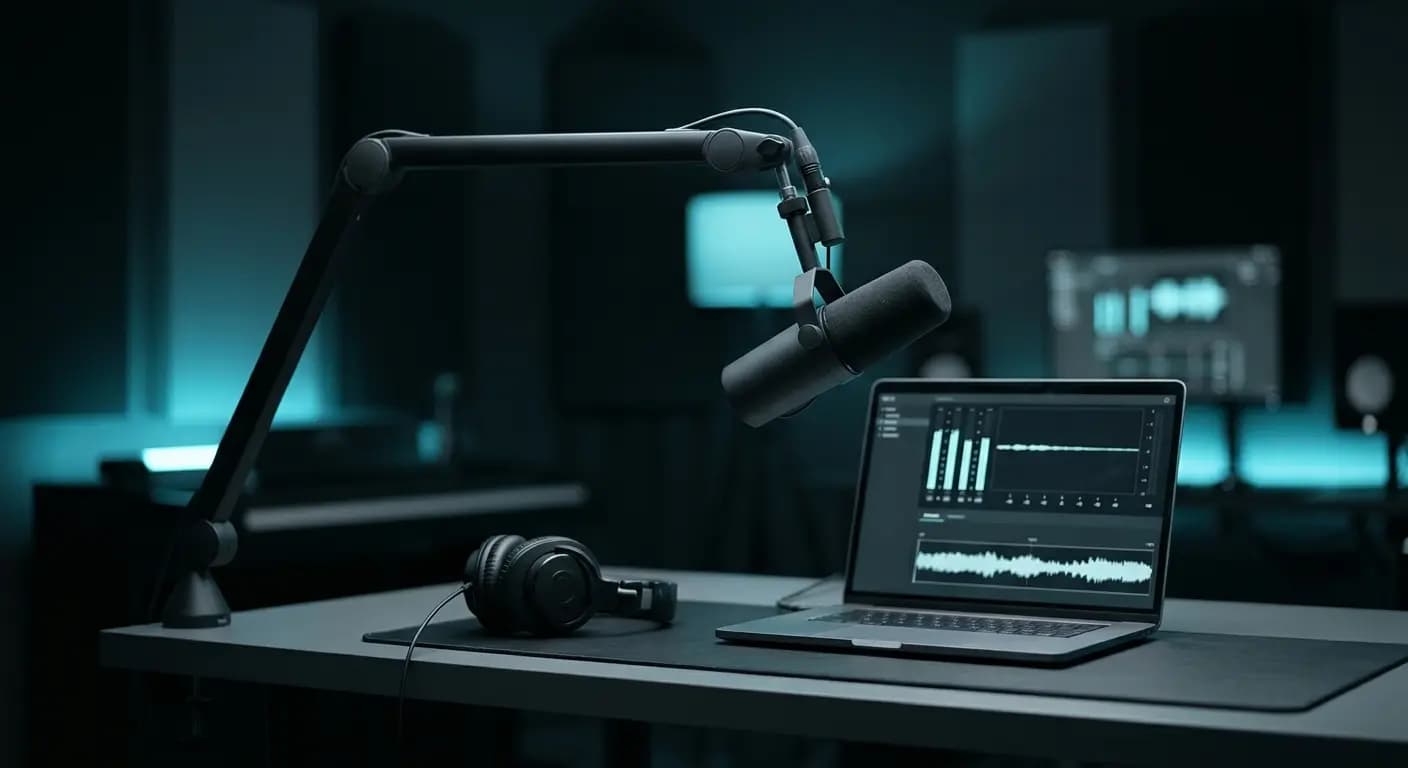
- Switch to a Tight Dynamic Microphone: Ditch integrated laptop mics and sensitive omnidirectional earbuds. Use a directional dynamic microphone or a commercial headset with a noise-cancelling boom mic placed two to three centimetres from your lips. Dynamic capsules feature low sensitivity, which naturally rejects room reflections and conversations happening just one desk away.
- Lower Input Gain and Speak Directly: High microphone gain forces your hardware to amplify weak, distant sounds. Open your operating system audio control panel, lower the microphone input volume to roughly 60–70%, and position the mic element closer to your mouth. This achieves a higher signal-to-noise ratio without picking up room noise.
- Seat Yourself Near Sound-Absorbing Surfaces: Sound waves bounce off bare glass meeting walls, tiled floors, and exposed brickwork. When selecting your desk in open-plan areas, position yourself against acoustic partition screens, upholstered phone pods, or fabric-heavy lounge zones. Soft, porous furnishings trap mid-to-high frequency reflections that cause hollow room echo.
- Relocate Crucial Calls to Dedicated Isolation Zones: Even top-tier digital filters fail when an impromptu brainstorm starts two feet from your laptop. For critical investor presentations and video calls, step away from open tables into soundproof phone booths. If you are assessing long-term spaces, consider exploring verified coworking spaces for remote workers jaipur equipped with dedicated acoustic isolation zones.
Comparing Noise-Reduction Methods: Quick Software Fix vs. Dedicated Acoustic Space
Relying solely on software algorithms or basic hardware headsets involves trade-offs. The right approach depends on whether you are managing an informal team standup or a high-stakes commercial presentation. Understanding the operational limits of each method ensures your voice remains clear and authoritative.
| Method | Noise Cut Capability | Setup Time | Voice Naturalness | Best Use Case |
|---|---|---|---|---|
| Built-in Laptop Microphones | Minimal (0–15%) | Instant | Hollow & Echoey | Internal asynchronous chats, solo drafting |
| AI Noise Suppression Software | Moderate to High (70–85%) | Under 2 minutes | Processed / Metallic | Daily team huddles, informal client check-ins |
| Directional Dynamic Headset | High (80–90%) | 1 minute | Natural & Direct | Sales calls, client pitches from open desks |
| Purpose-Built Acoustic Booth / Studio | Absolute (98–100%) | Pre-booked session | Broadcast-Quality Depth | Investor demos, keynote presentations, video podcasts |
While AI filters excel at eliminating stationary hums like air conditioning or traffic drone, they struggle with transient acoustic peaks. Sudden laughter, dropped ceramic mugs, or aggressive sales pitches from adjacent hot desks cause digital suppressors to clip vocal frequencies. When an algorithm cannot differentiate your speech from a neighbour's voice, it frequently drops syllables, leaving you sounding robotic or underwater.
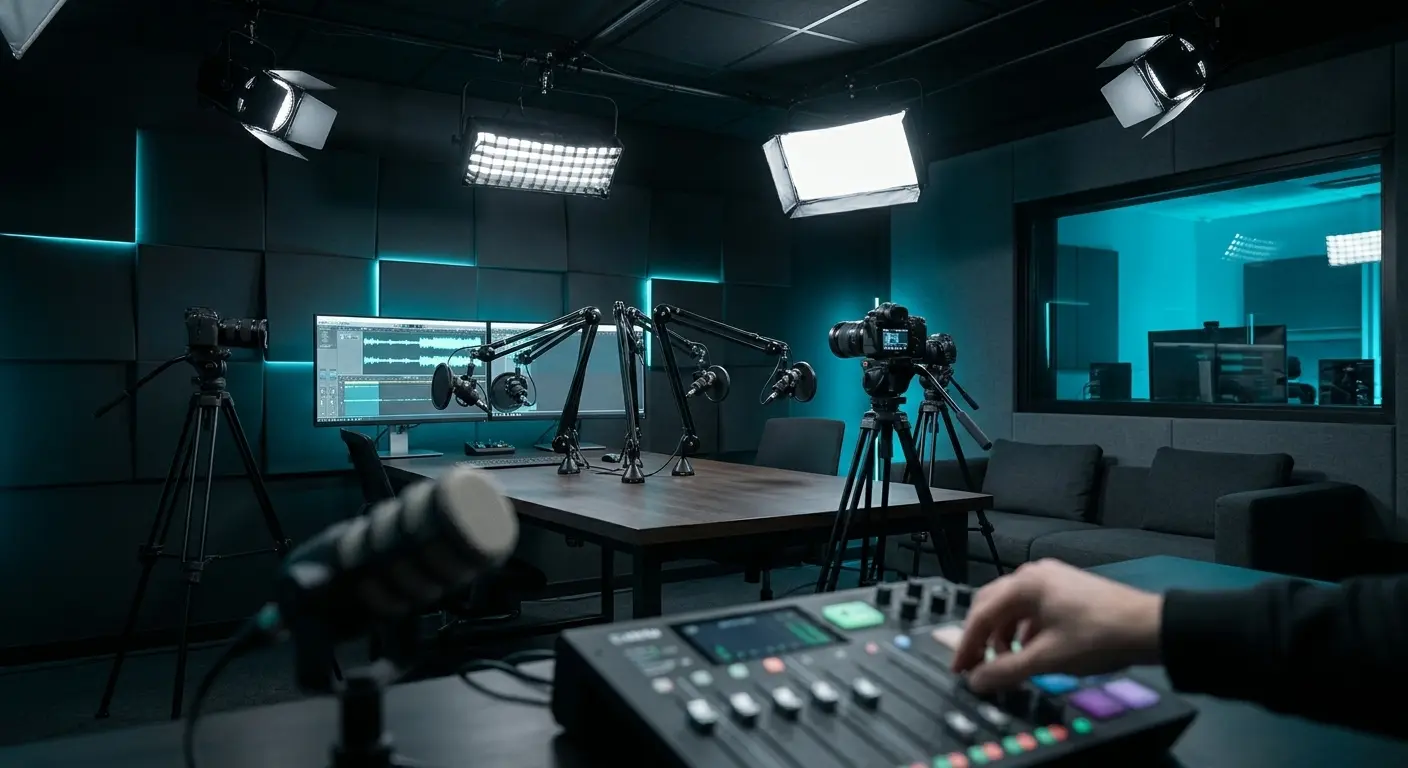
Physical acoustic management prevents this compromise entirely. Treating the physical room or stepping into an isolated space stops unwanted audio waves before they ever hit the microphone capsule. For high-stakes founder pitches or recorded media, many forward-thinking teams choose coworking spaces with dedicated podcast studio jaipur facilities to guarantee pristine vocal depth without digital artifacts.
When your workspace audio fails, your business communication suffers. Choosing between digital workarounds and dedicated spaces depends on call significance. Knowing why background noise ruins professional creator calls helps you understand that low-grade audio fatigues listeners, erodes trust, and reduces client retention.
For routine internal syncs, dialled-in software filters paired with a tuned dynamic headset are sufficient. But when you are recording public-facing brand content, onboarding enterprise accounts, or pitching institutional capital, software suppression is not enough. You need controlled acoustic environments that reflect genuine professionalism.
Eliminate Call Noise and Protect Your Professional Credibility
Eliminating audio friction is about protecting your authority. Clear, resonant speech signals control, technical maturity, and respect for your audience's time. Conversely, continuous background disruptions break conversational momentum and make your operation appear unprepared. When your remote setup sounds uncalibrated, clients subconsciously question your operational standards.
Upgrade your day-to-day signal chain using cardioid dynamic mics and conservative gain staging for routine calls. When client engagements require flawless fidelity and broadcast standards, step out of noisy open floors. Professional creators and executives in the Pink City rely on purpose-built facilities like Ascendant to run multi-camera video meetings, investor calls, and branded media without background interference.
Coworking · Pratap Nagar, Jaipur
Work from Ascendant Living
Fast Wi-Fi, ergonomic desks, coffee and parking. Day passes, flexible desks and private team space.
- Day passes available
- Flexible & dedicated desks
- Free trial visit